Services
Technologies
MPH: connecting Claude and SharePoint to sales teams’ needs
Explore Terros’s AI integration work for MPH: Claude, SharePoint, Microsoft authentication and skills designed for sales preparation.
Project Context
An offer to analyse, a proposal to prepare, information spread across company documents: AI becomes relevant when it fits the work teams actually do. For MPH, Terros worked on integrating Claude for Teams with the Microsoft environment and on skills dedicated to two sales use cases.
The goal: bring together the assistant’s capabilities, SharePoint’s document resources and business working methods. Rather than adding another tool, give its use a concrete framework.
The challenge: moving from a general-purpose assistant to specific sales tasks
Analysing a competitor’s offer and preparing a sales proposal require more than a conversation with a language model. These tasks draw on internal documents, context and company-specific instructions.
Our work with MPH focused on these two needs. This approach raises the right questions from the outset: which sources should be used, how should they be accessed and how should the request be structured to match the task?
At Terros, an AI project starts with use cases, before the choice of technical components.
Solution
Connecting Claude to the Microsoft environment
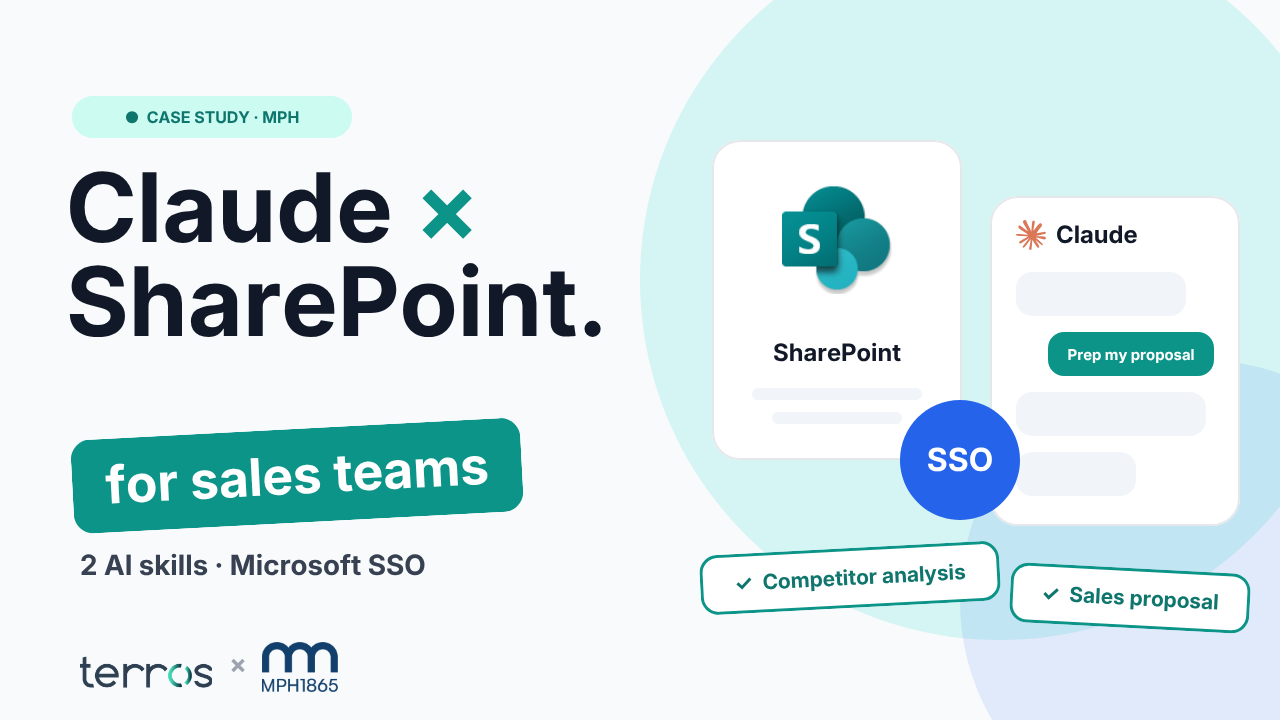
The integration brings together Claude for Teams, SharePoint and Microsoft Entra ID. SharePoint provides the document source; Entra ID handles authentication and SSO access; Claude provides the AI assistant environment.
Terros addressed OAuth and Microsoft authentication to enable the tools to connect. Behind a conversational interface, this work links identities, sources and assistant capabilities.
This is central to our work as an AI development agency: integrating AI into systems already in use, rather than leaving it disconnected from business processes.
Choosing the right connector, not the most complex one
To connect Claude with relevant information, Terros compared the native SharePoint connector with a custom MCP Knowledge approach. MCP — Model Context Protocol — provides a framework for connecting an assistant to sources and tools.
For the use cases evaluated for MPH, the comparison favoured the native SharePoint connector. The principle is to keep business needs at the centre of the decision: use native capabilities when they fit and reserve custom development for needs that justify it.
Making these decisions is part of integration expertise. An AI project does not become more valuable simply by adding connectors or custom code.
Skills that give sales preparation a framework
Terros developed skills dedicated to analysing competitors’ offers and preparing sales proposals. Their role is to formalise business instructions and guide the assistant’s work.
Document access and skills answer two complementary questions: which information should the assistant use, and which task should it perform? Bringing them together gives the project direction.
Our work therefore spans both technical integration and translating teams’ expectations into structured AI use cases.
Results
AI expertise connecting business needs and information systems
The MPH case brings together Microsoft authentication, SharePoint connectivity, MCP connector evaluation and sales skills development. It illustrates an applied AI approach: start with an identifiable need and address the technical and business conditions required to support it.
Claude for Teams, Anthropic, SharePoint, Entra ID and MCP are the building blocks of this integration scope. Terros’s contribution lies in how they are combined and in the choices made for MPH’s use cases.
Looking to connect AI to your documents and business tools?
Does your team use SharePoint and want to explore AI for document analysis or sales preparation? Let’s start with the tasks to support, the sources available and your access constraints.
Let’s discuss your AI integration project and define a concrete scope and validation criteria for your teams.